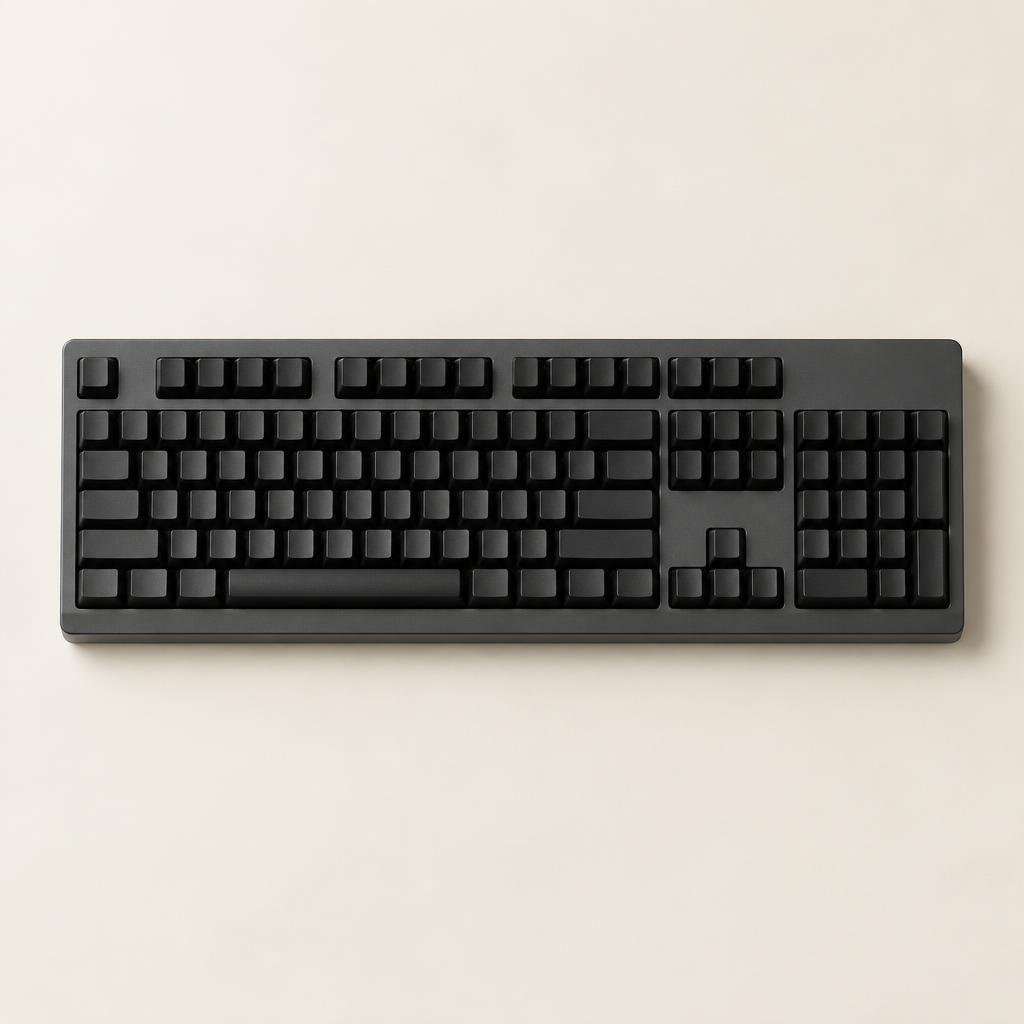
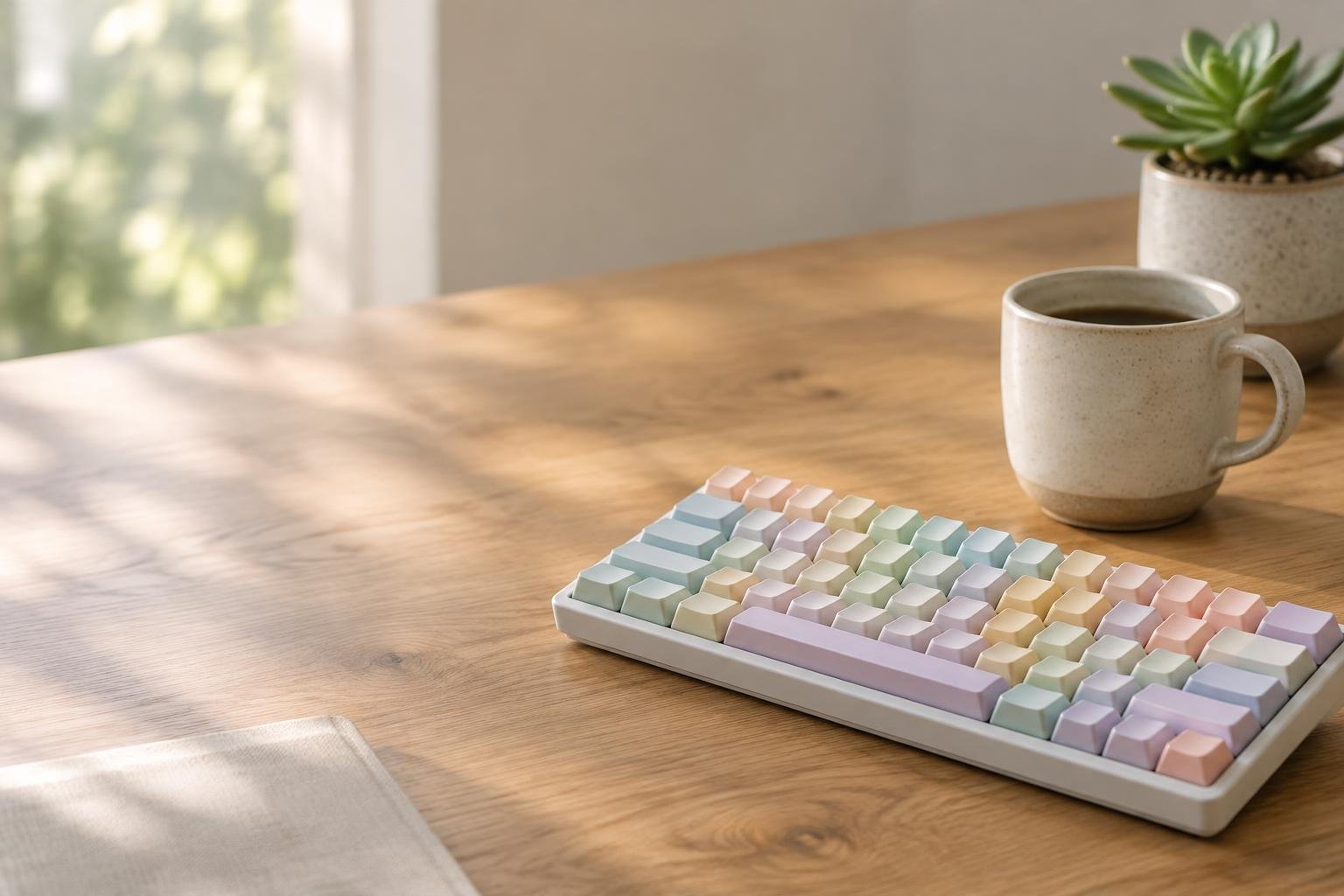
Picking a layout is the first decision when you buy a mechanical keyboard, and it shapes everything after. A full-size board has the main keys, the arrow cluster and a number pad on the right. If you enter a lot of figures, that pad earns its place on your desk.
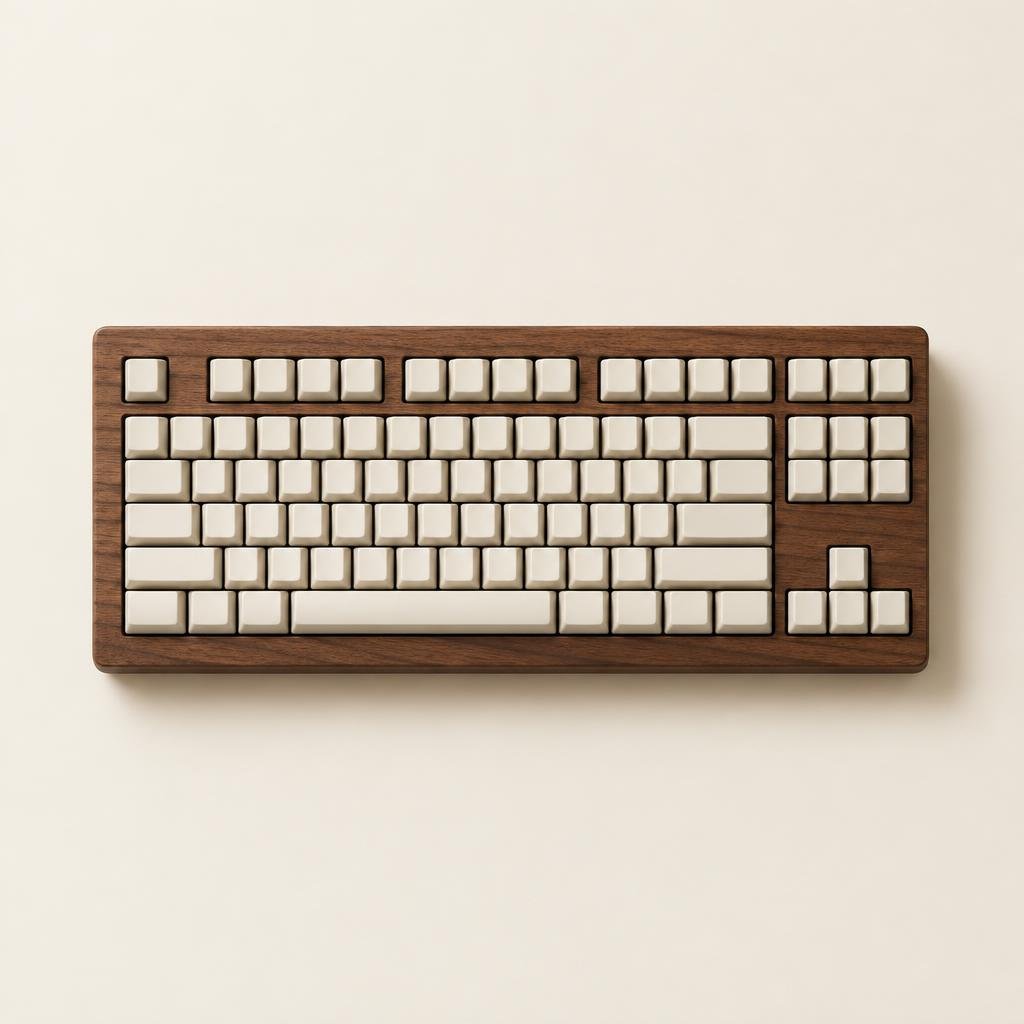
A tenkeyless board drops the number pad and keeps the rest. That frees up room on the right, so your mouse sits closer to your keyboard hand. Many people find this more comfortable over a long day, because the shoulder is less stretched out to the side.
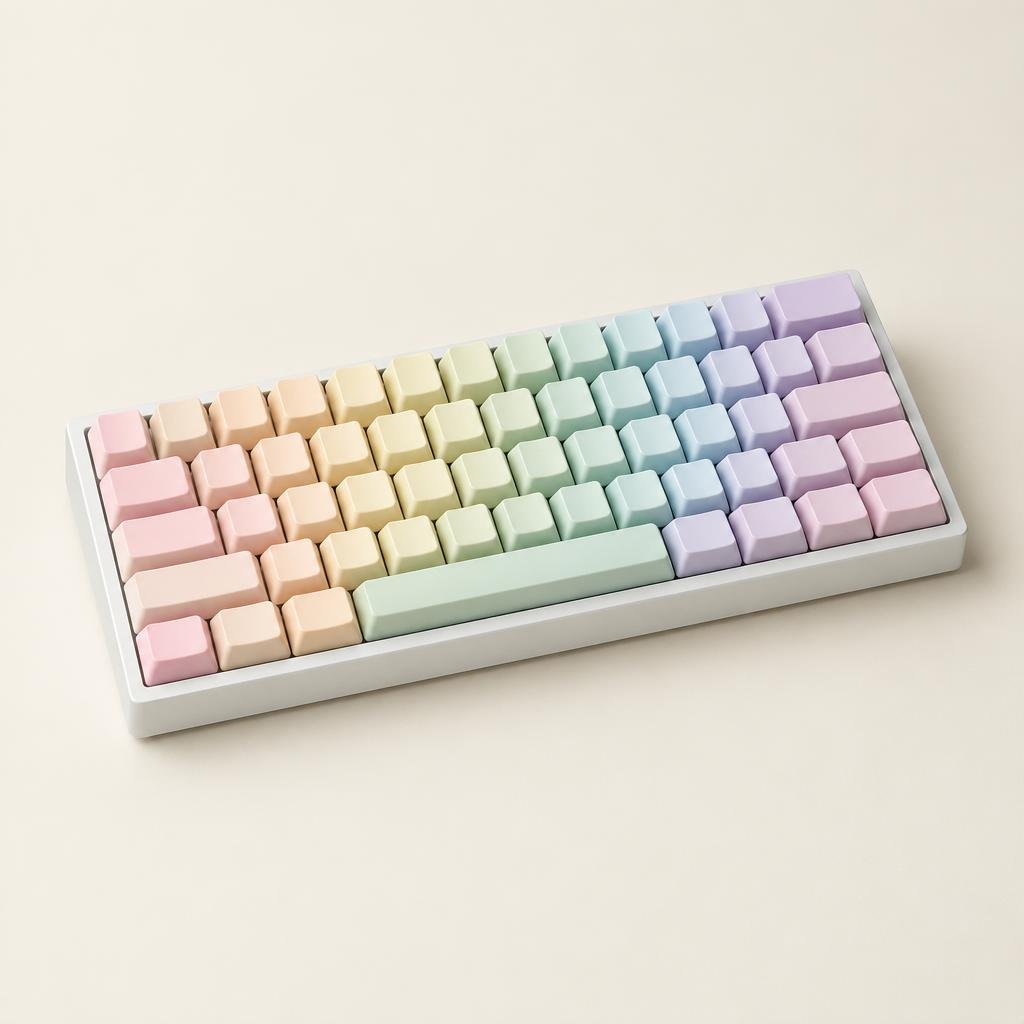
A 60 percent board goes further and removes the arrow keys and function row as well. Those keys are still there, but they live on a second layer you reach by holding a modifier key. It looks tidy and travels well, though it asks for a little learning at the start.
There are sizes between these too. A 65 percent board keeps the arrow keys in a small cluster beside the main block, and a 75 percent board adds a compressed function row on top. Both try to give you the small footprint of a compact board without losing the keys people reach for most.
Start with Your Own Habits
Think about what you actually press in a day. If you write, code or game, ask which keys you reach for without thinking. Count how often you use the number pad or the function row, and let that answer guide you rather than how a board looks in a photo.
Writers often lean on the arrow keys and the editing keys such as home, end and delete. Programmers tend to want brackets, arrows and a function row close at hand. Gamers usually care most about how near the mouse can sit to the keys they hold down for long stretches.
Spreadsheet work is the classic case for a number pad. Typing figures along the top row is slower and more error-prone than using a dedicated block of keys. If that describes your day, a smaller board will feel like a daily annoyance, whatever it looks like.
Fitting the Board to Your Desk
Desk space matters too. Measure the room between your monitor stand and the edge of the desk before you buy. A full-size board that crowds your mouse will feel worse than a smaller board with room to move.
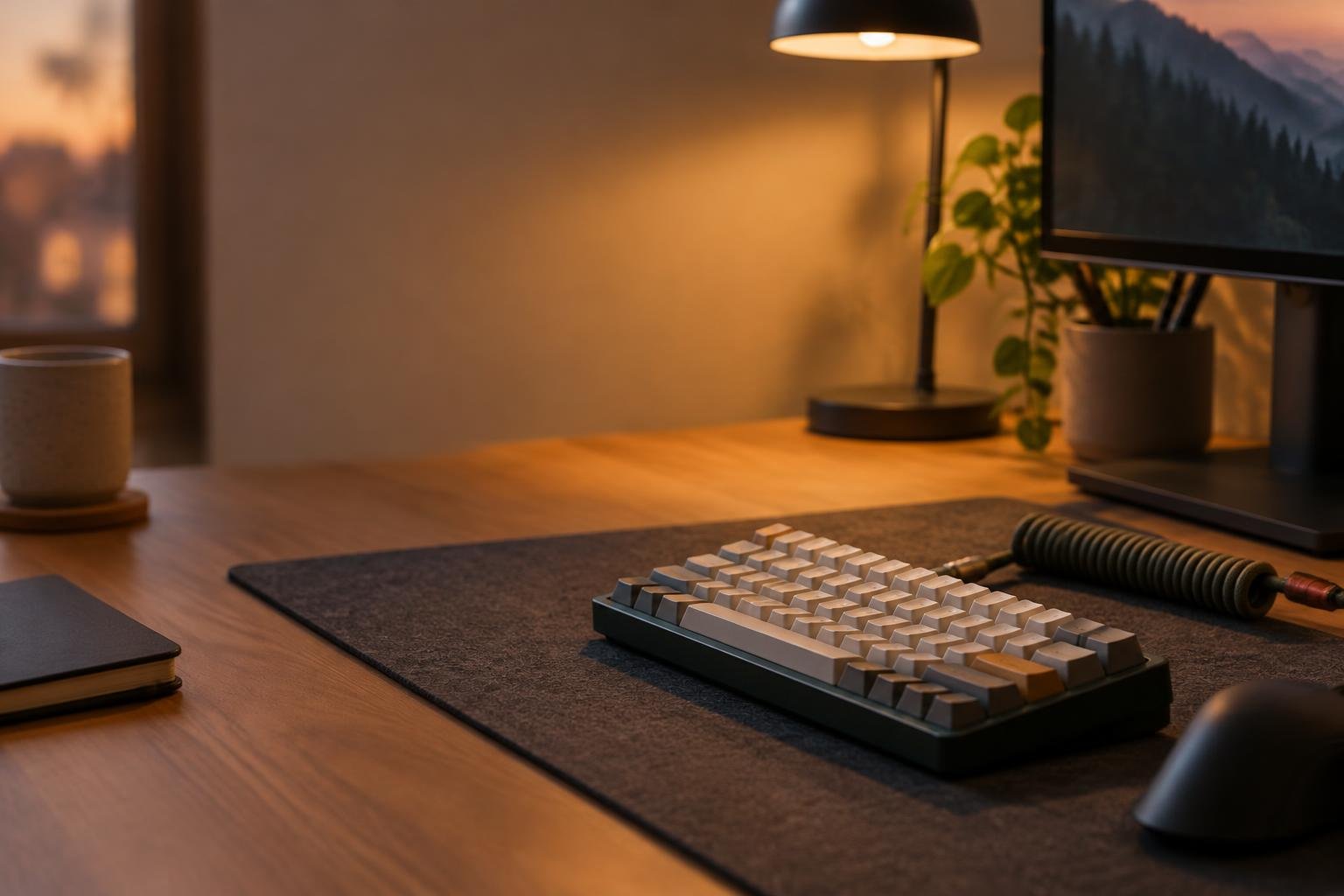
Also think about how you sit. If your keyboard and mouse sit at the same height and close together, your arms stay nearer your body and your shoulders can stay loose. A wide board pushes the mouse outward, and that small shift adds up over hours of work.
Leave some space around the board as well. You want to be able to angle it slightly, slide it aside when you need to write by hand, and reach for a drink without knocking anything over. A board that fills the desk edge to edge is tiring to live with.
Layout also affects how you use accessories. A wrist rest should match the width of the board, so a compact board wants a short one and a full-size board wants a longer one. Check this before you order a set.
Learning a Smaller Board
The main trade-off with compact boards is the extra layer. Holding a modifier to reach arrows or function keys feels awkward for the first few days. Most people adapt faster than they expect, but it helps to start with the keys you use most and learn the rest as you need them.
A common mistake is buying the smallest board because it looks neat, then missing keys within a week. Another is buying a full-size board out of habit and never touching the number pad. Both are easy to avoid if you think about your own use first.
If you are unsure, a tenkeyless board is a safe middle ground. It keeps the arrow keys and function row that most people use, and it gives back desk space. You can always move up or down a size later and keep your switches and keycaps.
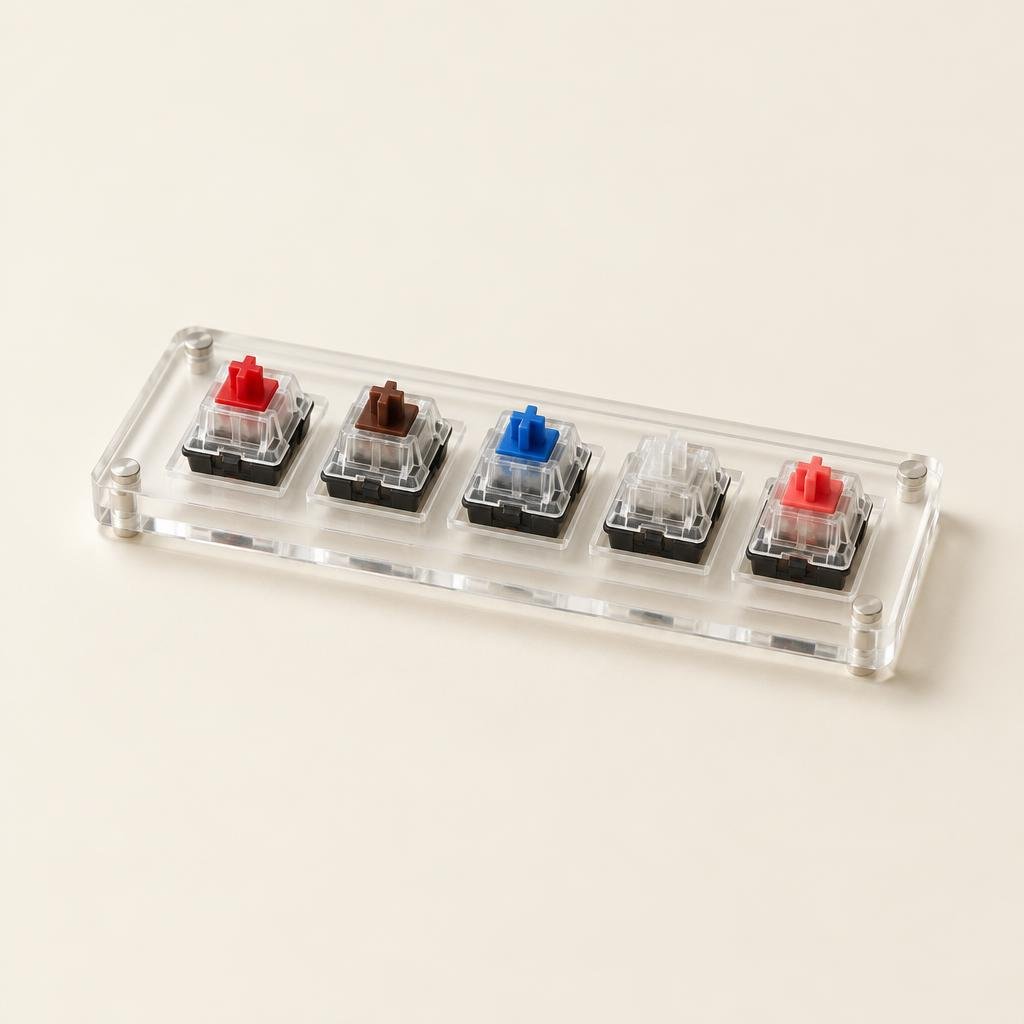
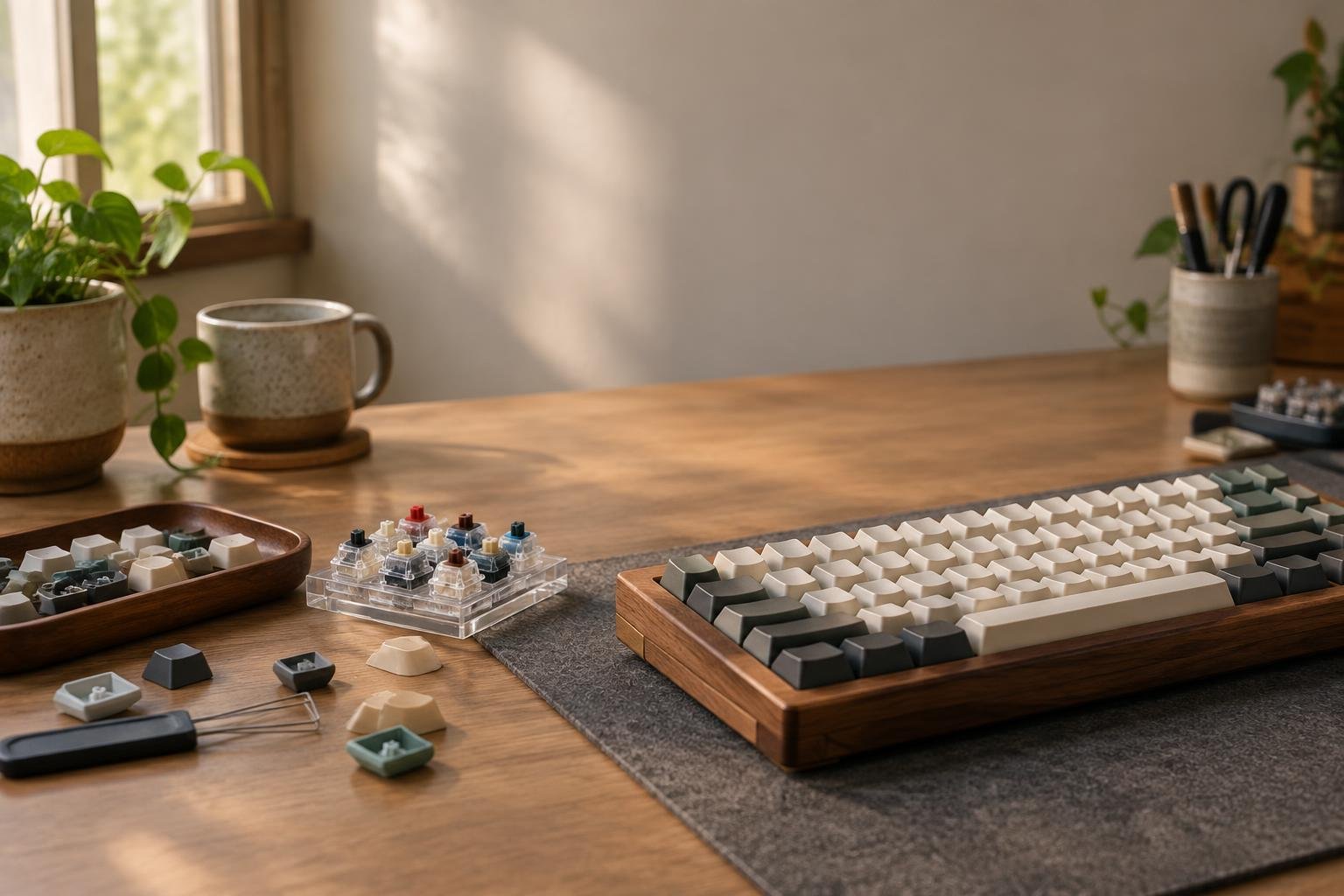
Switches carry over because they are the same part on every layout. Keycaps carry over too, though you should check that a set includes the extra sizes your new board needs, such as the shorter modifier keys on a compact layout or the number pad keys on a larger one.
Whichever you choose, the layout should disappear once you start typing. The right one is the board you stop thinking about after a week.